The Denylist
The Denylist helps you respect contact preferences while protecting your ability to send campaigns successfully. Sending emails to contacts who have opted out can damage your sender reputation, increasing the likelihood that future campaigns are filtered to junk or blocked altogether.
Who can use this feature? All Staff
Available on: Free, Starter, Growth, Advanced and Ultimate
What is the Denylist?
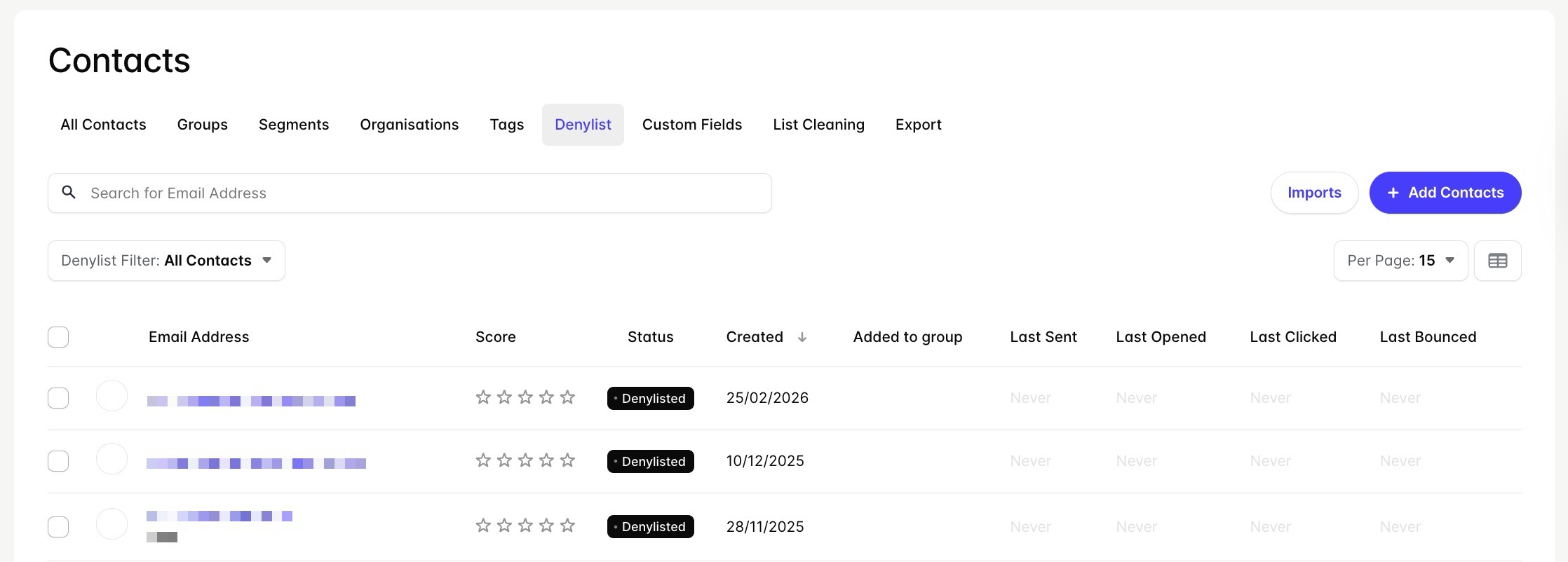
Denylisted Contacts are any Contact with a Denylisted Transpond Status. These Contacts will no longer receive your messages and are not counted as billable contacts.
To view this list in Transpond, go to Contacts > Denylist.
📙 Learn more about the Transpond Status.
When is a Contact Denylisted?
Contacts are automatically added to your Denylist if:
- They choose to unsubscribe from all your Transpond Groups using the “Unsubscribe” link in your Campaigns
- They mark your Campaign as Junk
Staff can also manually set a contact’s status to Denylisted within Transpond or import contacts that are already marked as Denylisted.
Once a contact has been marked as Denylisted, their status is updated for all Groups they are a part of. This makes sure that you don’t accidentally send messages to contacts who don’t want to receive them.