Transpond: The Best Practices Guide
Email marketing works best when it feels relevant, timely, and useful - not overwhelming. This guide brings together practical best practices for using Transpond to create that kind of experience for you and your Contacts. Each section is designed to help you make confident decisions that save time, reduce guesswork, and improve engagement over time.
Who can use this feature? All Staff
Available on: Free, Starter, Growth, Advanced and Ultimate
Segments
A Segment is a dynamic filter of contacts. They let you split up your contacts using rules based on behaviour or attributes. Some examples include using a Segment to section out Contacts with a specific Tag, Custom Field or Location.
A segment can be within a single group or across all your groups. You can combine simple and advanced filters - like email, contact score, custom fields, and campaign activity - to precisely target the right contacts for your marketing campaigns.
When setting up Segments, there are a few practices to make them faster and more reliable overall.
- Operators - Avoid using the
containsoperator excessively, as it requires more system resources. - Targeted filtering - When possible, use specific targeted filters. For example, use
[Email Domain Name][is]rather than[Email Domain Name][contains] - Text Fields - Consider using starts with or ends with for large text fields instead of contains.
📙 Read more about Segments.
Groups
A Group in Transpond is what you use to manage a subscription. They are a quick and easy way to separate, contain and organise Contacts. Good examples of this would be for Newsletters, Legal Notices or Product Updates.
You always need to have at least one Group in Transpond (where your contacts are), and any time you ask someone to subscribe or unsubscribe, it's the Group they are doing that for.
When setting up Groups, there are a few practices to make sure you get the most from the feature:
- Group Amounts - We generally recommend that you don't use too many Groups. With too many, you make it harder for your contacts to manage their subscriptions, which in turn increases the risk that you're reported for spam. Instead, if you want to be able to send emails to a subset of your contacts within a Group, we recommend using Segments.
- Friendly Names - As Groups show up in the unsubscribe and update your profile landing pages, give your Group a friendly name to help them identify the content they're subscribed to. To do this, go to Contacts > Groups > click on the Group of choice > Settings tab. Here you'll see a Group Name (for internal reference) and a Friendly Name (what your Contacts will see).
📙 Read more about Groups.
Email Frequency
Getting email frequency right is about balance. Here are a few key principles to help you stay relevant without overloading your audience.
- Consistency - Stick to a regular sending pattern so contacts know what to expect. A consistent schedule helps build trust and keeps your brand top of mind without feeling intrusive.
- Value-led sending - Focus on sending emails when you have something useful to say. Each email should deliver clear value, which helps maintain interest and avoids fatigue.
- Engagement indicators - Pay attention to how contacts interact with your emails. If opens and clicks are strong, your frequency is likely working. If engagement drops or unsubscribes increase, it’s a sign to scale back so you stay relevant without overwhelming your audience. To help with this, you can use Transpond's Smart Sending feature.
📙 Read more about Smart Sending.
Email Content
Creating well-designed content is key to ensuring you are able to quickly and effectively deliver on-brand, relevant and engaging email content for your audience. A few things below are important to consider:
- Content - Focus on clear and relevant messaging that communicates value quickly. Keep the wording direct and engaging, and tailor it to your Contact's interests to encourage opens and clicks. Simplify your content creation process by using Transpond's AI Content Assistant.
- Layout - Decide whether to lead with strong copy or a prominent image based on what best engages your audience. Balance text and images to avoid overwhelming readers or losing key information.
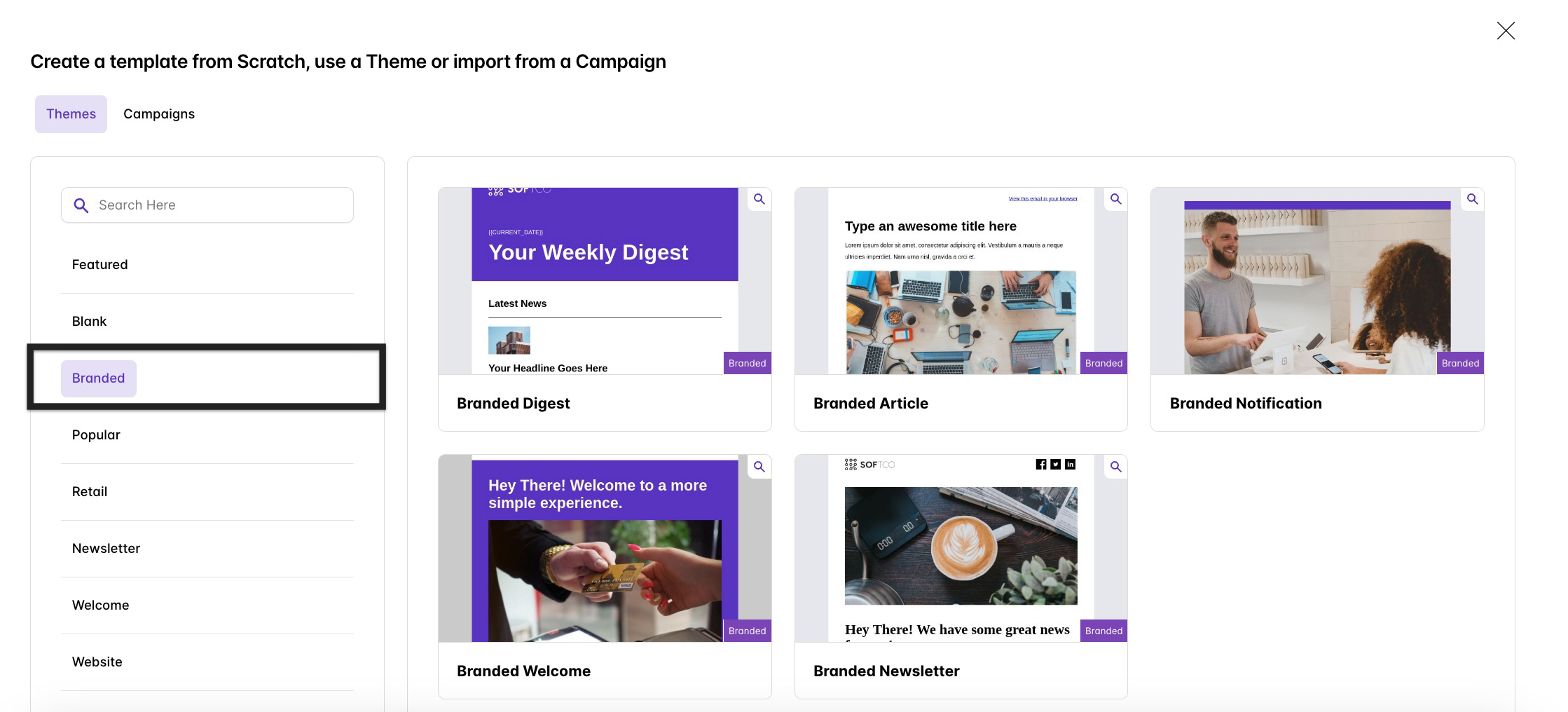
- Branding - As Branding is the heart of every business, this should translate across to your content too. Make sure your colours, images and fonts are consistent in those, so that your audience can easily recognize your brand image and style. Speed up the process by having Transpond extract your branding from your website using its Brand Analyzer.
- Personalisation - Personalising email templates helps create more eye-catching emails that are more likely to be opened and engaged with when readers are spoken to directly. Adding the recipient’s name at the start (or in the subject) is a simple way to begin, while signing off with your own name helps build trust in your business and brand. Use Merge Tags to help you do this.

- Responsive Design - Having a responsive email design ensures your templates look great across all devices and settings, whether that’s optimizing images for mobile and desktop or accounting for dark mode. It’s also important to remember that different email clients can affect how your emails are displayed. Transpond’s email templates are already optimised for the best performance, and you can use the ‘Preview’ button in the top right corner of the editor to see how your email looks on different devices.

- CTAs (Call-to-Action) - A call-to-action encourages your reader to take the next step after reading your email, whether that’s buying a product, claiming a discount, or reading more content. Make sure your CTAs are clear, relevant, and placed where they stand out, without overusing them or confusing the reader. In Transpond, you can add CTAs using the ‘Button’ element in the drag-and-drop editor, then customize the colour, text, and link.
- Unsubscribe Links - Making the unsubscribe link clear and easy to find is important, as it helps reduce the risk of spam reports and keeps your email list healthy. If you’re using a Transpond pre-set theme, each one already includes an unsubscribe link that you can customize by clicking the text to open the editing panel. Read more about Campaign Footer Links.
📙 Learn more about Creating Email Templates.