Reply Tracking
Know what happens after "send". Reply tracking reveals how many customers really engage with your emails - so you can respond smarter.
Who can use this feature? All Users
Available on: Free, Starter, Growth, Advanced and Ultimate
Why should I set up Reply Tracking?
Every reply tells you something. Reply tracking captures that signal, turning customer responses into insight you can act on. Unlike other providers, who secretly CC themselves and rely on customers hitting "reply all," our tracking method works without that workaround.
Reply tracking will help you:
- Measure engagement: See how many recipients actively responded to your campaign.
- Identify interested contacts: Replies can highlight people who may be ready for a conversation or follow-up.
- Smarter segmentation: Use replies to trigger automations and follow up with relevant content
How to set up Reply Tracking
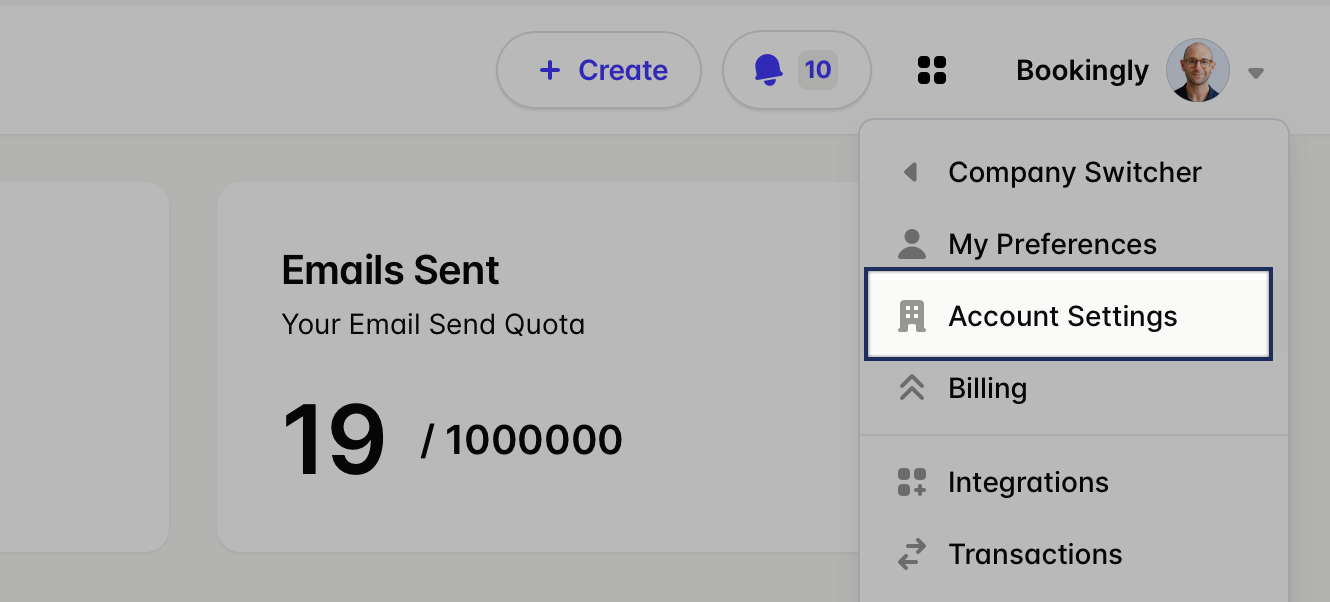
- From your profile picture in the top right, choose Account Settings
- Go to the Reply Tracking tab > Add Mailbox
-
Add the following details for your Mailbox:
- Email Address
- Username
- Password
- Host
- Host Port
- Choose Save to complete the connection
All done - Reply Tracking is all set up and ready to go. Transpond will now keep an eye on your inbox throughout the day, tracking customer replies and gathering the data you need.
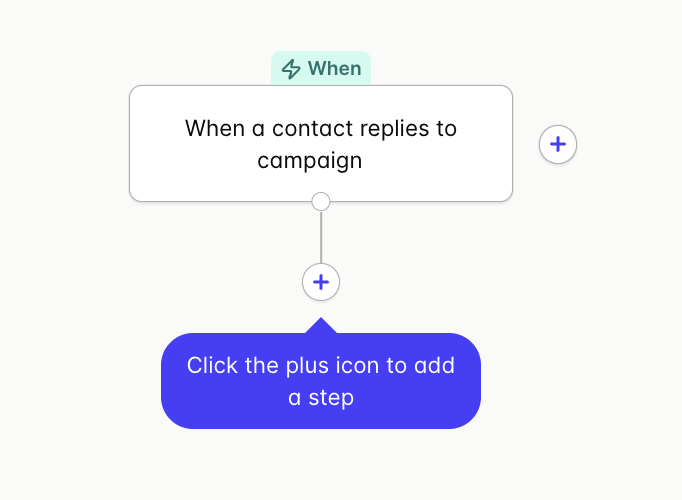
By viewing any Campaign, you can now see any time someone has replied. Learn more about Reporting on a Specific Campaign.
Troubleshooting Reply Tracking: Gmail and Microsoft mailboxes
If you use Microsoft 365 (Office 365) or Gmail, you may experience issues connecting reply tracking using standard username/password authentication. These providers typically require OAuth (modern authentication) for mailbox connections.
Transpond’s reply tracking setup does not currently support OAuth, which means this connection may not work by default.
In some cases, you may be able to connect your Microsoft 365 or Gmail mailbox by using an app-specific password instead of your normal email password. It's important to know:
- App-specific passwords must be enabled and supported by your email provider
- They are not available on all accounts or plans
- Setup and availability are managed by your email provider, not Transpond
If you’re unable to connect reply to tracking using an app-specific password, you can enable the Conversations feature instead. When Conversations is turned on:
- Incoming replies are captured in the Conversations inbox
- Replies are also fed back into reply tracking for campaigns
- No separate reply tracking connection is required
📙 Learn more about Conversations.